Housecall Pro Pricing: What You're Actually Getting
Housecall Pro publishes three plans on its own pricing page (housecallpro.com/pricing). Billed monthly:
Basic: $79 a month. 1 user included.
Essentials: $189 a month. 5 users included.
Max: $329 a month. 8 users included, and $35 a month for each additional user.
Paying for the year up front lowers those to $59, $149 and $299 a month. Housecall Pro is also running sign-up promotions, so the first month or months can cost less.
The pricing is more transparent than ServiceTitan's. But a crew that needs more than one person in the app starts at $189 a month billed monthly. That's not unreasonable, but it's not cheap either, especially when you're also paying for QuickBooks, fuel, insurance, and equipment maintenance. Every dollar in overhead matters when your margins are already tight.
The General Field Service Problem
Housecall Pro's customer base includes plumbers, electricians, HVAC technicians, carpet cleaners, pest control operators, and landscapers. They serve them all with the same interface, the same features, and the same workflows.
This "Swiss Army knife" approach has a fundamental trade-off: the interface can't be optimized for any single industry because it has to work for all of them.
Landscaping has specific workflow patterns that general field service software handles as afterthoughts:
Seasonal scheduling. Your workload triples between April and October. You need a scheduling system that handles the transition from 15 jobs/week to 40 jobs/week without breaking. General tools treat every week the same.
Weather dependency. Rain doesn't cancel a plumbing job. It cancels yours. Rescheduling 8 lawn care appointments because of a rainy Tuesday is a uniquely landscaping problem. You need bulk rescheduling that preserves your route structure.
Property-specific notes. The Johnson property has a locked back gate (code: 4521). The Martinez lawn has irrigation heads near the street side. Landscapers need per-property notes that are visible during the job, not buried in a client profile.
Recurring maintenance contracts. Weekly mowing, bi-weekly maintenance, monthly landscaping: these are the bread and butter of the industry. General tools support recurring jobs, but they don't think in terms of maintenance seasons, skip weeks, and seasonal service changes.
Housecall Pro handles all of these, but they're features buried in a general-purpose system. Terrascape builds them into the core experience because landscaping is all it does.
The AI Difference: Dashboard vs. Assistant
The biggest difference between Terrascape and Housecall Pro isn't a specific feature, it's the interaction model.
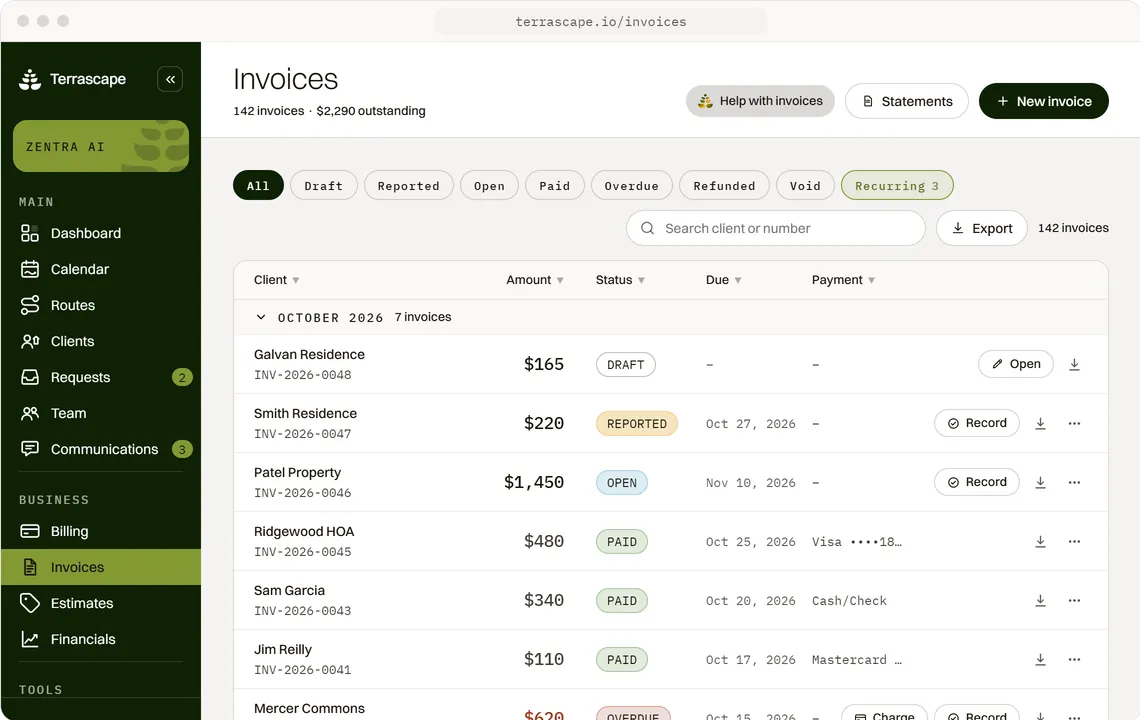
Housecall Pro gives you a dashboard. You log in, navigate to the right screen, fill out the right form, click the right buttons. Its pricing page now lists "AI team members" too, but they sit inside the same dashboard. It's well-designed, but it's still software you have to operate.
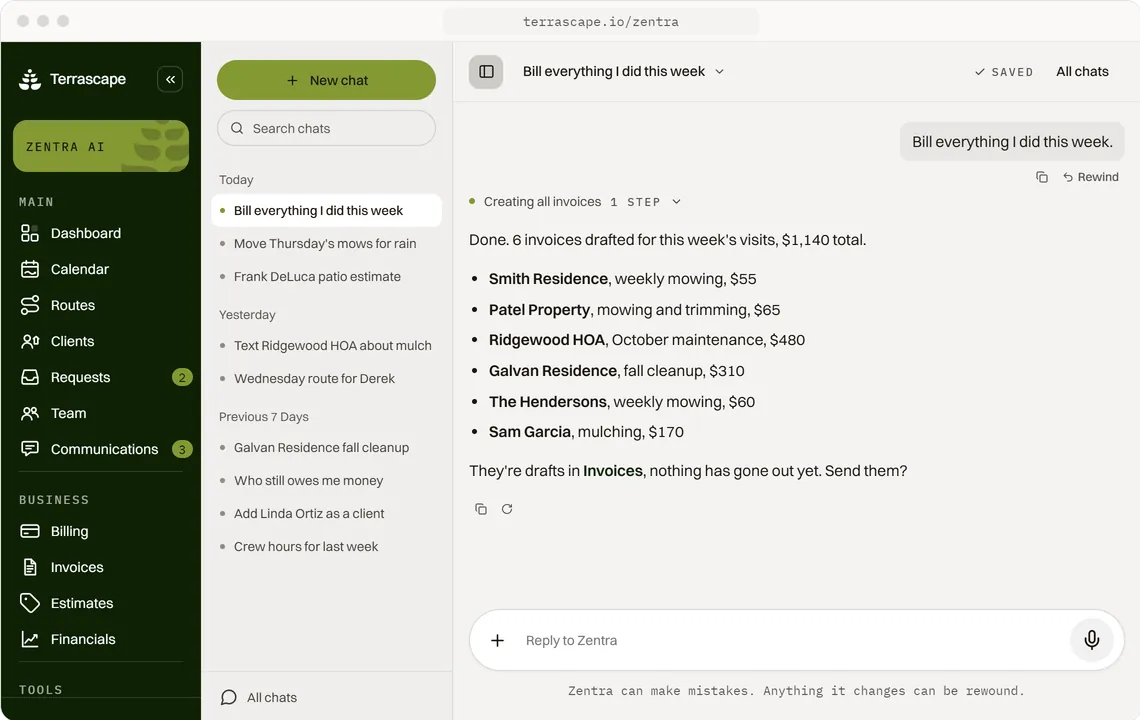
Terrascape gives you Zentra, an AI assistant you talk to. Instead of navigating to the invoicing screen, finding the client, selecting the job, and filling out the amount, you say: "Send Mike the invoice for the lawn maintenance job." Zentra handles the rest.
This isn't a gimmick. It fundamentally changes when and how you interact with your business software.
With a dashboard, you do your admin work at home: after the kids go to bed, on Sunday mornings, whenever you can find time to sit at a computer. With an AI assistant, you handle it in real time: between jobs, in the truck, on your lunch break.
The result: same-day invoicing becomes the default, not the exception. And since every week you delay an invoice costs you money (29% of lawn care providers just accept non-payment rather than chase it), the speed advantage translates directly to revenue.
For landscapers who describe their business as "I started this to work outside, not sit at a desk," that's the point. Terrascape lets you run your business without the desk.